<-- this is shared/teaser/slider-teaser.html.erb -->
Welcome
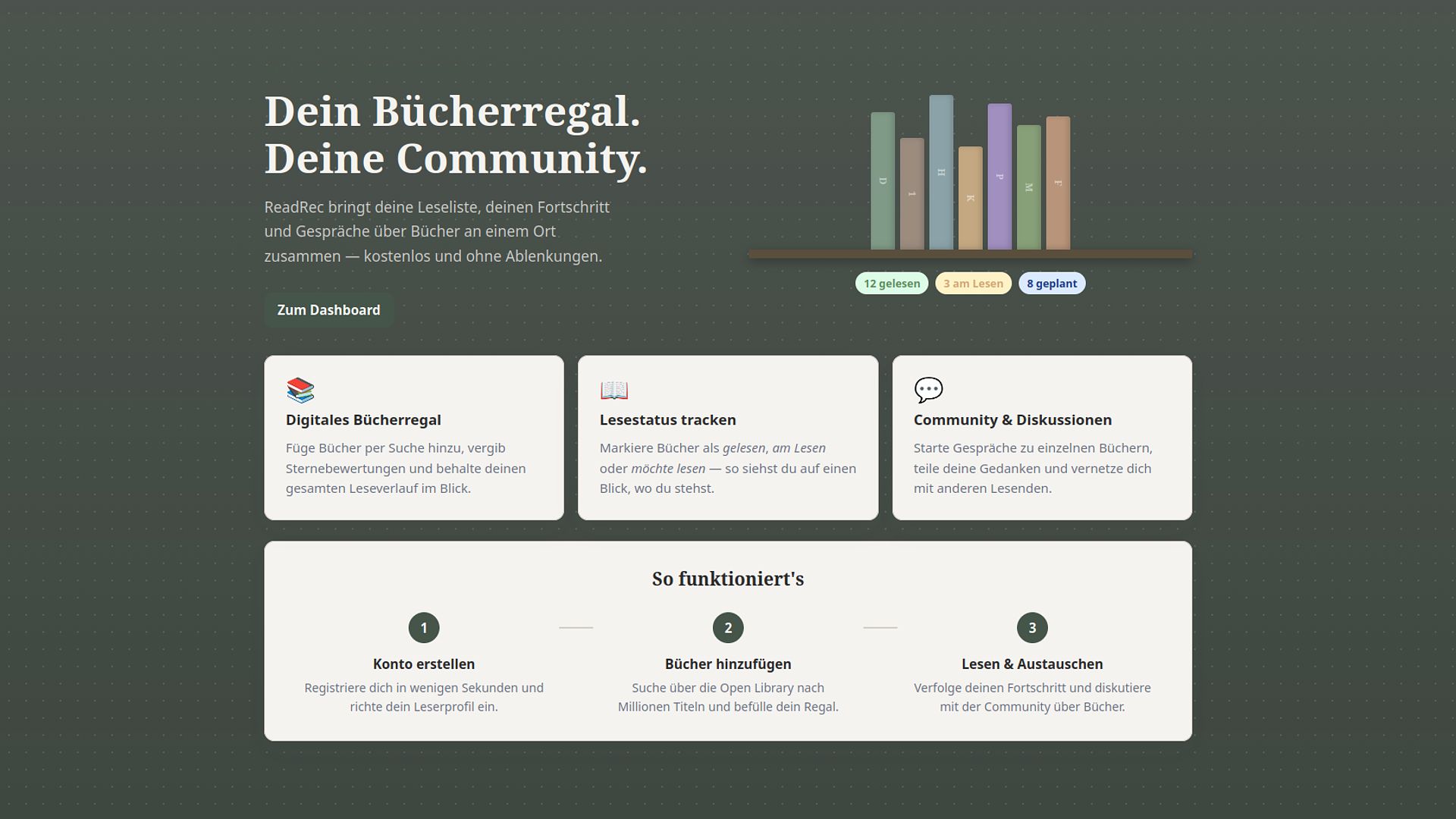
ReadRec is a digital bookshelf app where readers can track what they're reading, rate books, and discuss them with others — all in one place.

Get Started
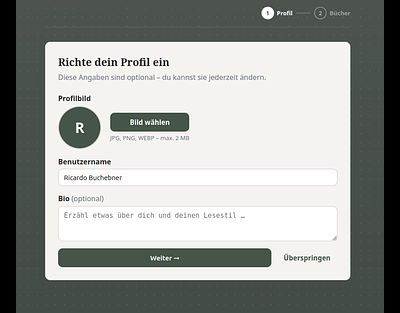
To get started with ReadRec, simply create an account and follow the short onboarding process. During onboarding, you can set up your profile and add your first books to your personal shelf. Once you're done, you're ready to track your reading progress, rate books, and join discussions with other readers.
Search Books
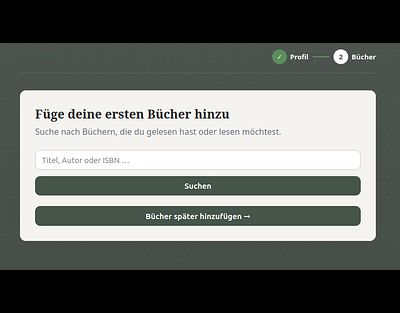
To add new books to your library, navigate to "Bücher suchen" and search by title, author, or ISBN.To add new books to your library, navigate to "Bücher suchen" and search by title, author, or ISBN. ReadRec pulls results directly from the Open Library database, giving you access to a vast collection of books. Simply find the one you're looking for and add it to your shelf with a single click.


Manage Bookshelf
In "Mein Regal" you can manage your entire book collection, update the reading status of each book and leave a rating once you're done. Whether you're still working through a book or have just finished one, your shelf always reflects where you are in your reading journey.

Add Books
You can search for an author and add multiple books at once. Perfect for building up your shelf quickly.You can search for an author and add multiple books at once. Perfect for building up your shelf quickly. All books you add will appear in the Added Books view below, giving you a clear overview of your growing collection.
Discussions
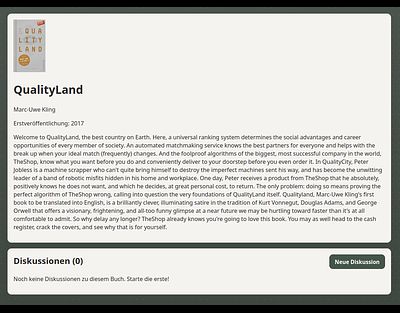
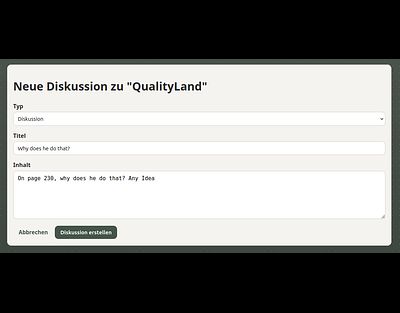
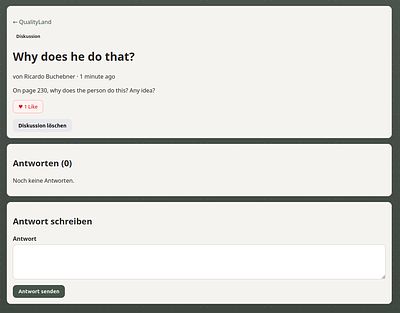
By clicking on a book title in your library, you can open the discussion and question view for that book.By clicking on a book title in your library, you can open the discussion and question view for that book. Here you can start a new thread to discuss any topic, share your thoughts, or ask questions about the book and join conversations started by other readers.
Dashboard
The Dashboard is your central hub for a quick overview of everything that matters. From your current reading status to the latest discussions and posts from the community.

Account management
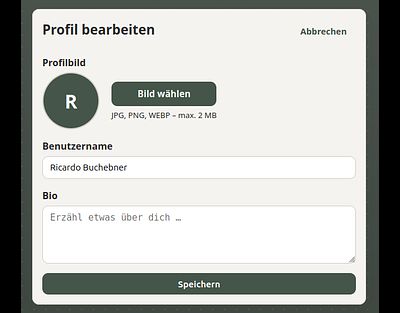
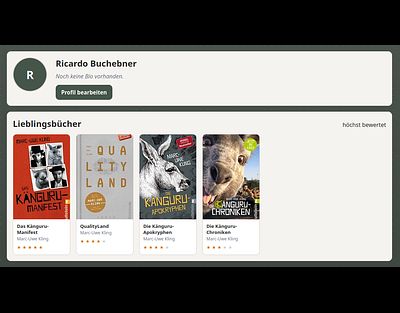
Clicking on your profile gives you a personal overview of your top rated books. You can also update your display name, profile picture, and add a short bio to let other readers know a bit about you.